Jobs that log themselves
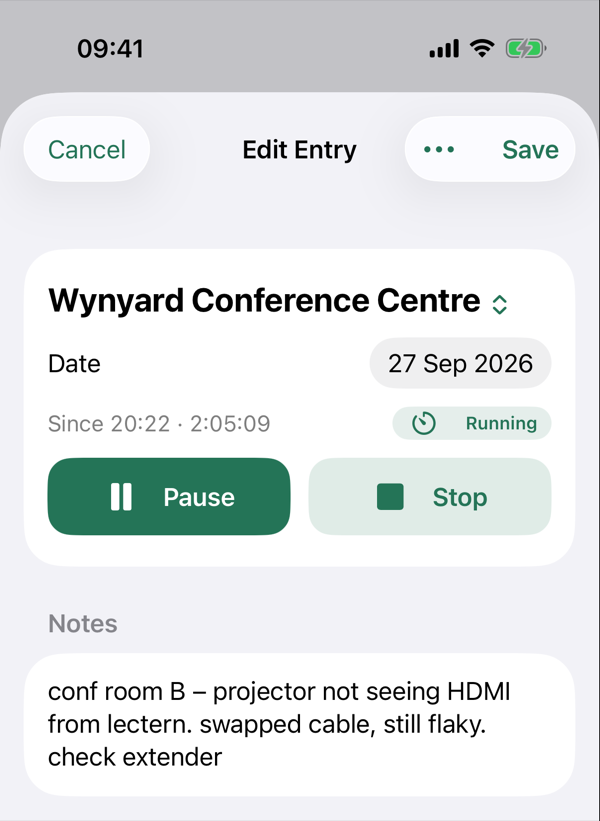
During your work hours, Thereish notices when you've been at one of your saved sites for about 15 minutes and starts the job for you. Stop somewhere new and it suggests saving the place.
Coming soon to iPhone
Thereish notices where you worked and for roughly how long. Later, you check it, add notes, and mark it Done. No timesheet from memory.
You were there… ish
Set it up once, then mostly forget about it.
Thereish only looks for jobs during the hours you work. Evenings and days off stay yours.
Arrive at a site, do the job, move on. Thereish keeps a rough record of where you were and for how long.
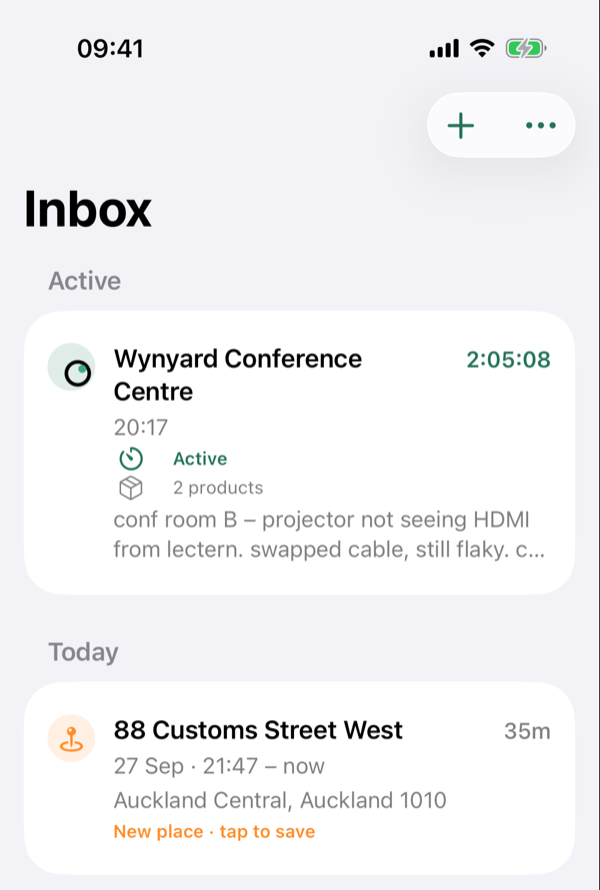
Each job waits in the Inbox. Fix anything that's off, add notes or photos, copy it into your job system and swipe it Done.
During your work hours, Thereish notices when you've been at one of your saved sites for about 15 minutes and starts the job for you. Stop somewhere new and it suggests saving the place.
Everything waits in the Inbox until you've dealt with it. When a job's in your timesheet or job system, swipe right to mark it Done.
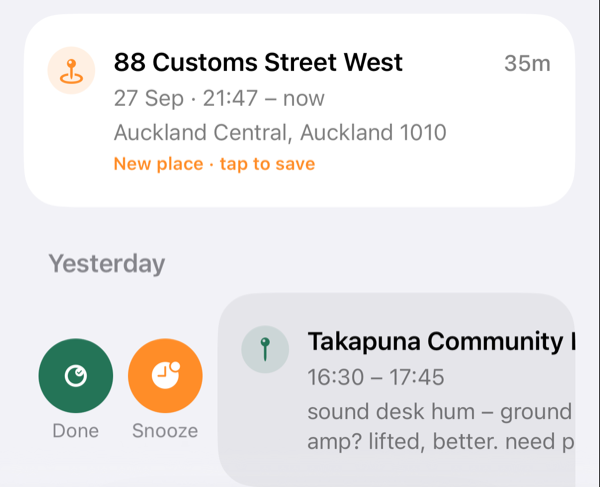
Jot notes on site however you like. On supported iPhones, Apple Intelligence turns them into a tidy description on the device, keeping what was done apart from what was found and what still needs doing, ready to copy. Your original notes stay as you wrote them. AI descriptions are in beta, so check one before you copy it.
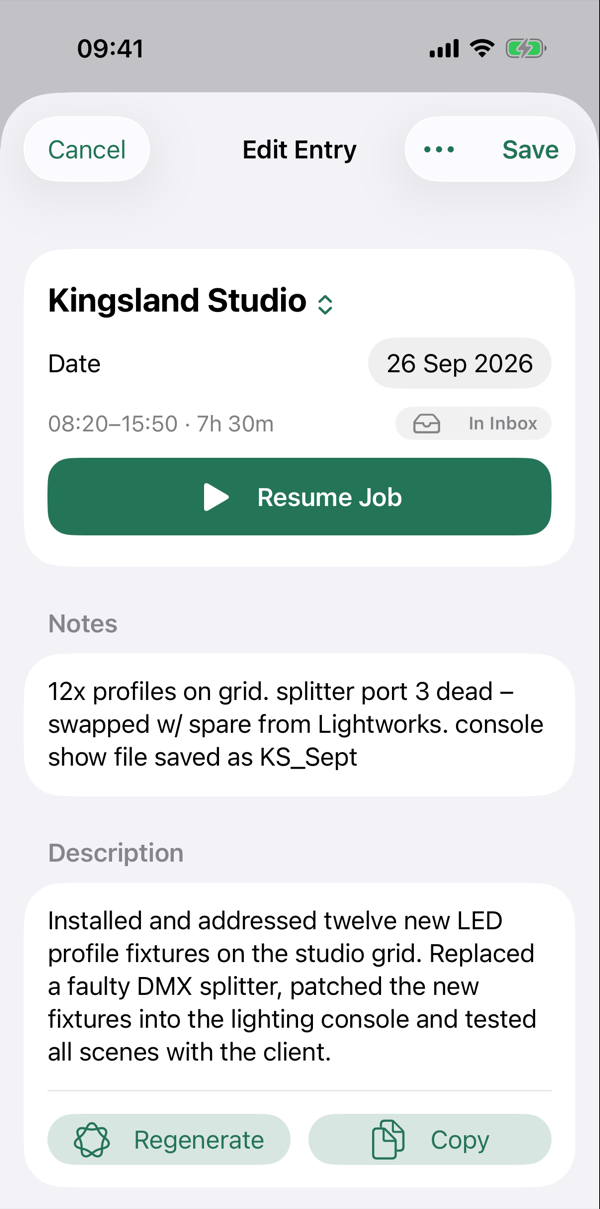
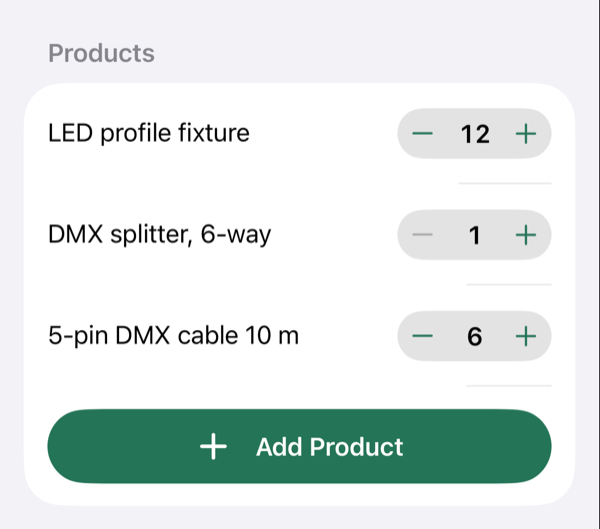
Add the parts you used, with quantities, and attach photos from your library to the job they belong to.
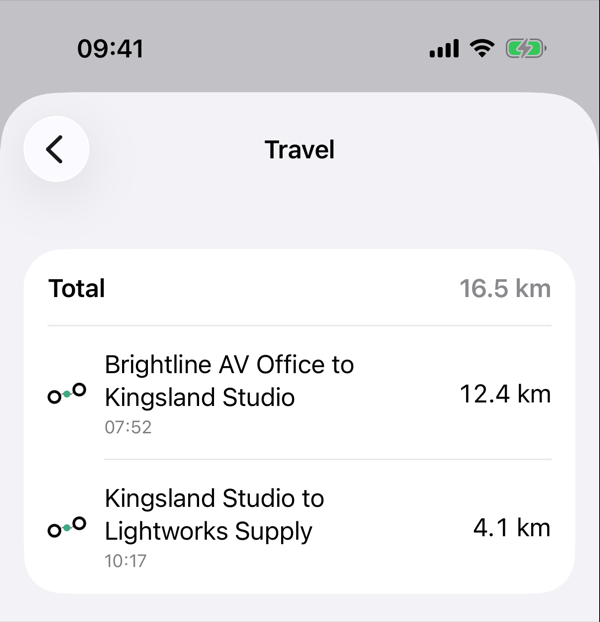
Turn on Record Travel Distance and Thereish adds up the kilometres driven between job sites. Your everyday Home–Office commute isn't counted, and it isn't a mileage or tax log. It's just a useful record of the day.
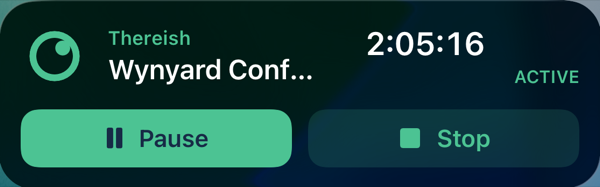
The running job sits on your Lock Screen and in the Dynamic Island, with Pause and Stop right there. Hands full? Say “Pause my job in Thereish”.
Thereish is being tested by a small group right now. It's coming to iPhone soon.